
How to Recover Hard Drive Data: Expert Tips and Common Mistakes
Understanding Hard Drive Data Recovery
Data loss can be a frustrating experience, whether it's due to accidental deletion, hardware failure, or a virus attack. Fortunately, recovering data from a hard drive is often possible with the right approach. This guide will walk you through expert tips and common mistakes to avoid during the recovery process.
First Steps to Take After Data Loss
When you first notice data loss, it's crucial to act quickly, but calmly. Begin by stopping any write operations on the affected drive. Continuing to use the drive can overwrite the lost data, making recovery more difficult or even impossible. Disconnect the drive if necessary to prevent further use.
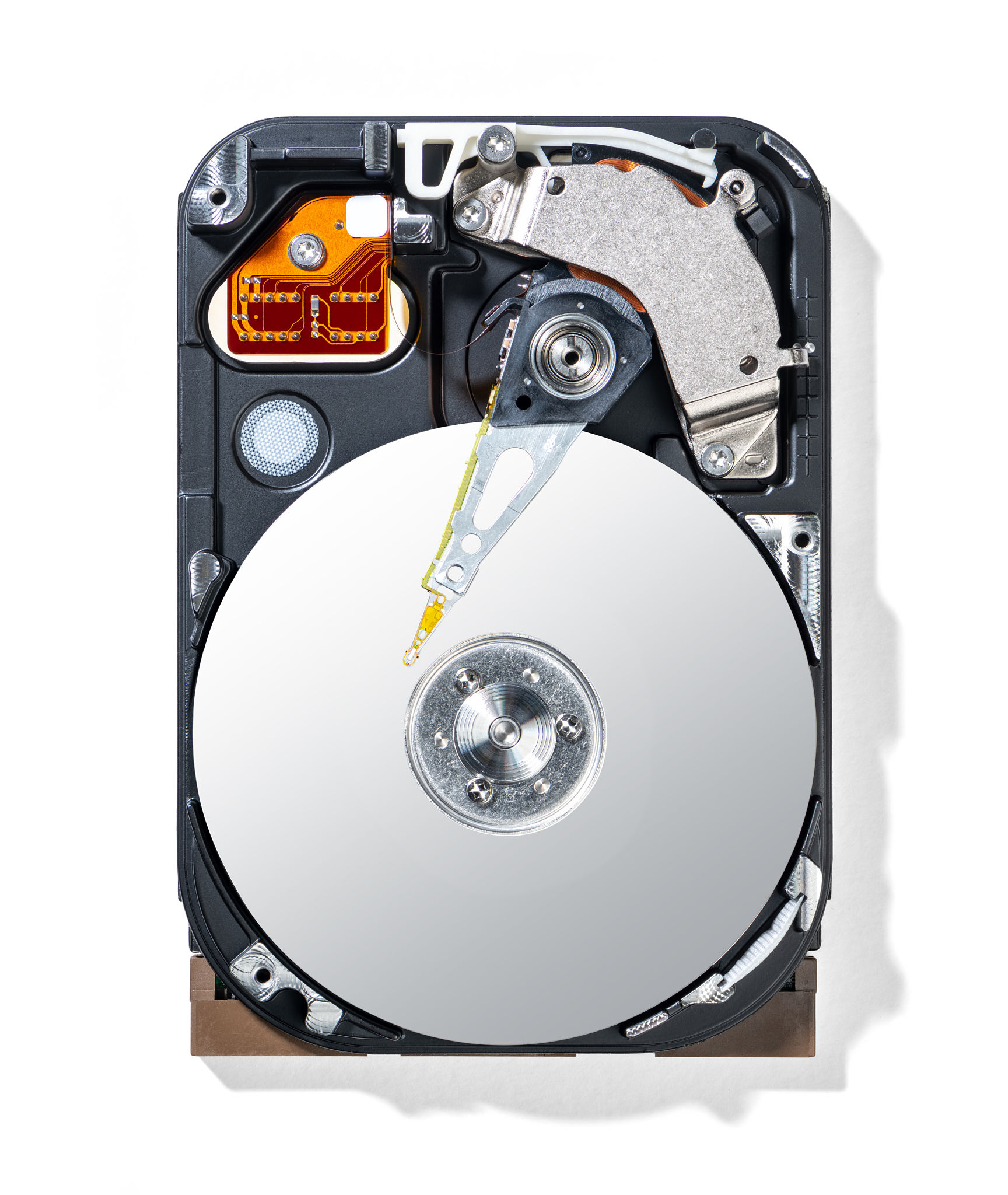
Next, assess the situation. Determine whether the data loss is due to physical damage or logical errors. Physical damage requires professional help, while logical errors can often be addressed with software solutions.
Using Data Recovery Software
If the drive is not physically damaged, data recovery software can be an effective solution. These tools are designed to scan the drive and recover lost files. Choose reputable software with positive reviews and a user-friendly interface. Avoid downloading from suspicious sources to prevent malware infections.

Follow the software instructions carefully. Most programs offer a preview option to see which files can be recovered before proceeding. This feature allows you to select only the necessary files, saving time and space.
Common Mistakes to Avoid
One common mistake is trying to recover data without a backup. Always create a backup of your files on a separate drive or cloud storage. This precaution ensures you have a copy of your important data in case something goes wrong during recovery.
Another mistake is ignoring signs of physical damage, such as unusual noises or overheating. Attempting to fix physical issues yourself can lead to further damage. Instead, seek professional help from a data recovery service.
Seeking Professional Help
If the data is critical and the drive exhibits signs of physical damage, it's best to consult with professionals. Data recovery experts have specialized tools and cleanroom environments to safely recover data from damaged drives.

Be sure to choose a reputable service with transparent pricing and a proven track record. Some companies offer a "no recovery, no fee" policy, providing peace of mind if the recovery is unsuccessful.
Preventing Future Data Loss
Once your data is recovered, take steps to prevent future loss. Regularly back up your data using an external drive or cloud storage. Implement a routine maintenance schedule to check the health of your drives and update your antivirus software to protect against malicious threats.
By following these tips and avoiding common pitfalls, you can increase your chances of successfully recovering data and safeguarding it against future loss. Remember, acting quickly and carefully is key to a successful recovery process.